Desk lamps without screen reflections
A desk lamp should illuminate the paper or object you work on without placing a bright reflection across the screen. Its reach, shade and adjustment are therefore as relevant as its light output.
Find the reflection before shopping
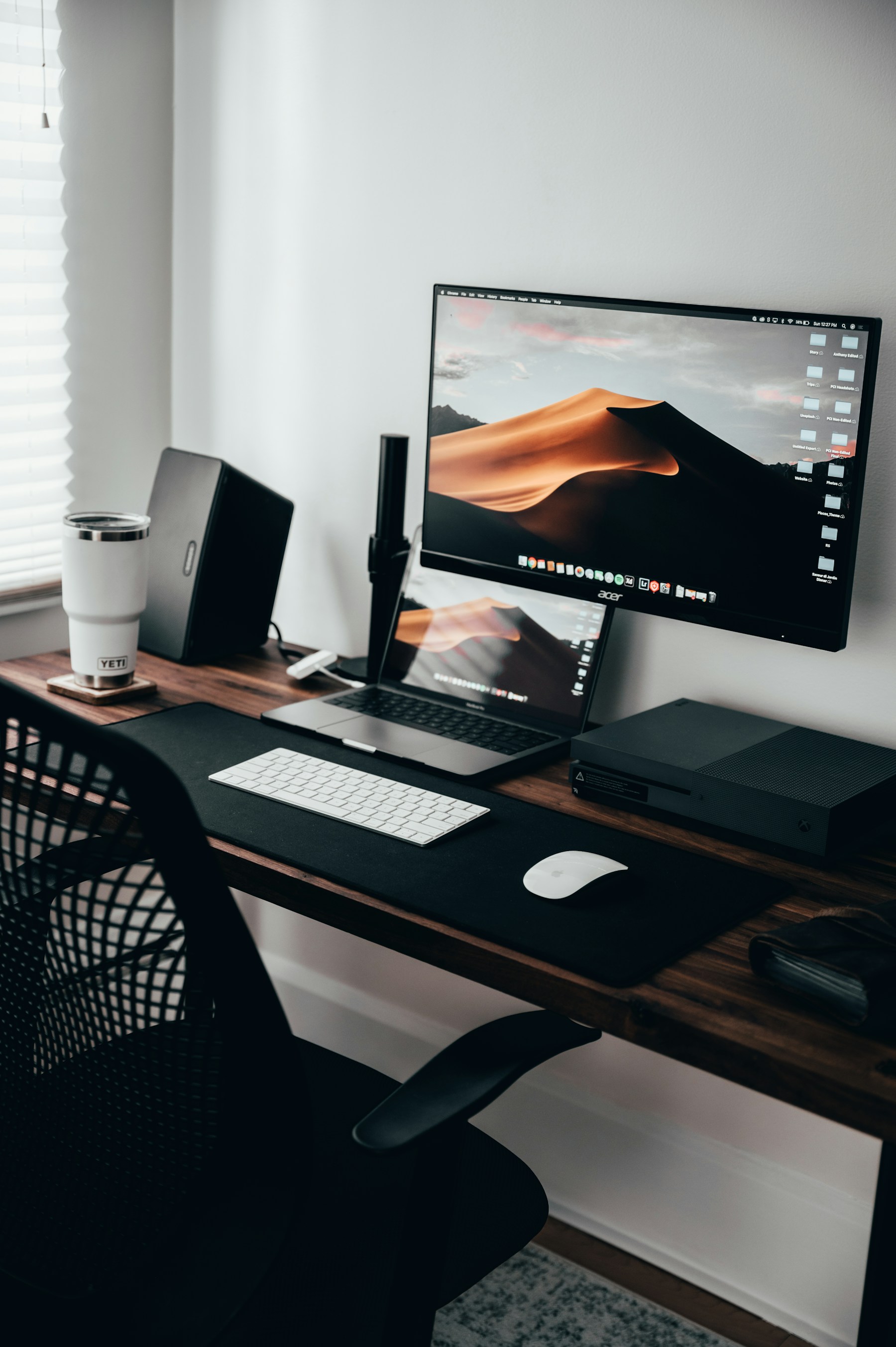
Sit in the ordinary working position and look at the screen with the existing room lights on. Notice where windows and lamps appear in dark areas of the display. Move a portable lamp, if available, to explore a few positions. OSHA's workstation guidance recommends arranging lighting to avoid reflected glare; the useful position depends on the actual screen and room.
Check the paper task as well as the screen. If you write by hand, place the light so your hand does not create an inconvenient shadow over the next line. A lamp may need a different position for drawing than for keyboard work. Mark the places where the base could stand without displacing the mouse or covering a frequently opened notebook.
Reach is more than arm length
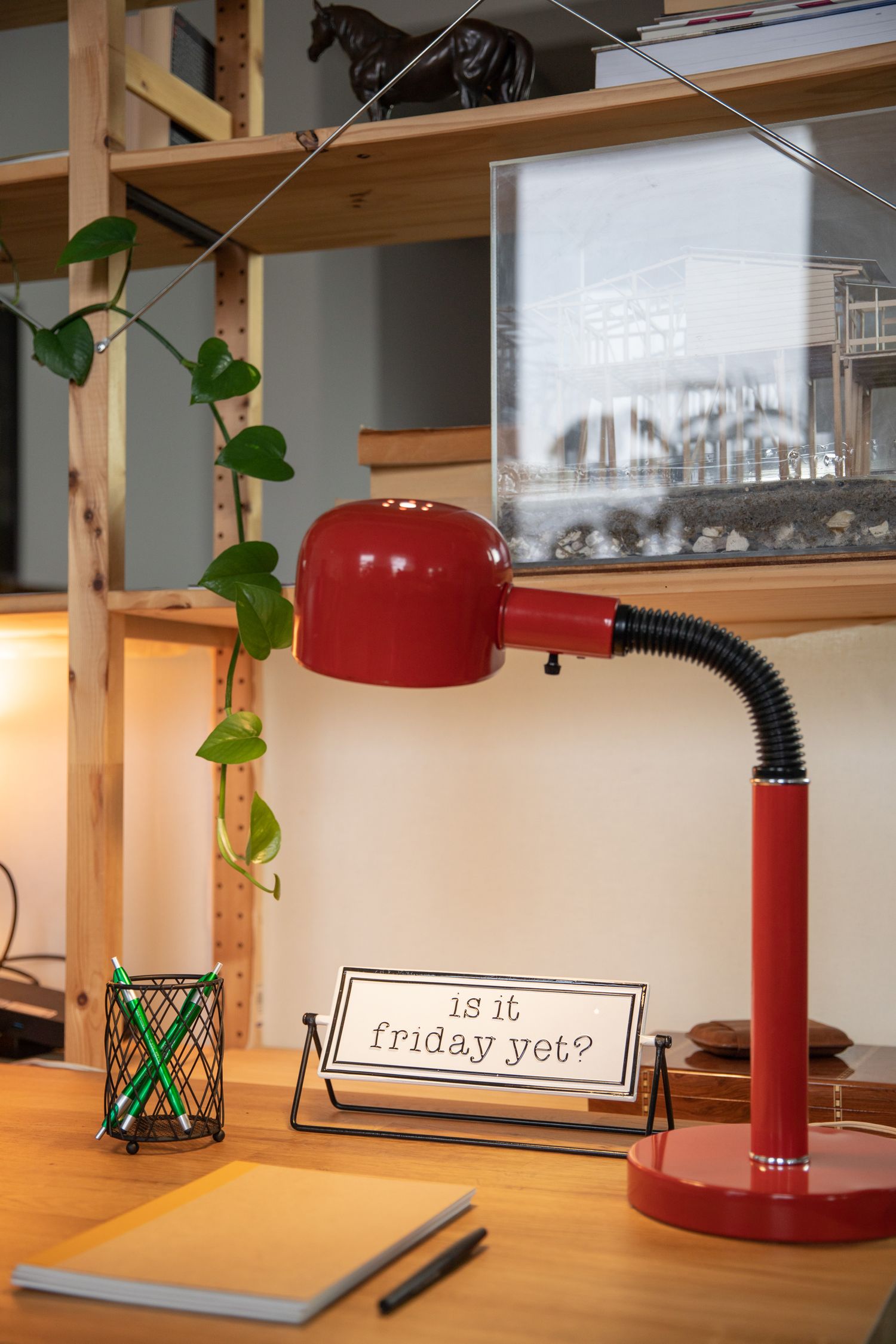
Look at the joints and the direction in which the lamp head can turn. A long arm is not useful if the shade cannot aim at the work surface while keeping the light source out of your direct view. Try the intended extension and check whether the base remains stable. Follow any limits on arm position rather than assuming every pose in a photograph is usable.
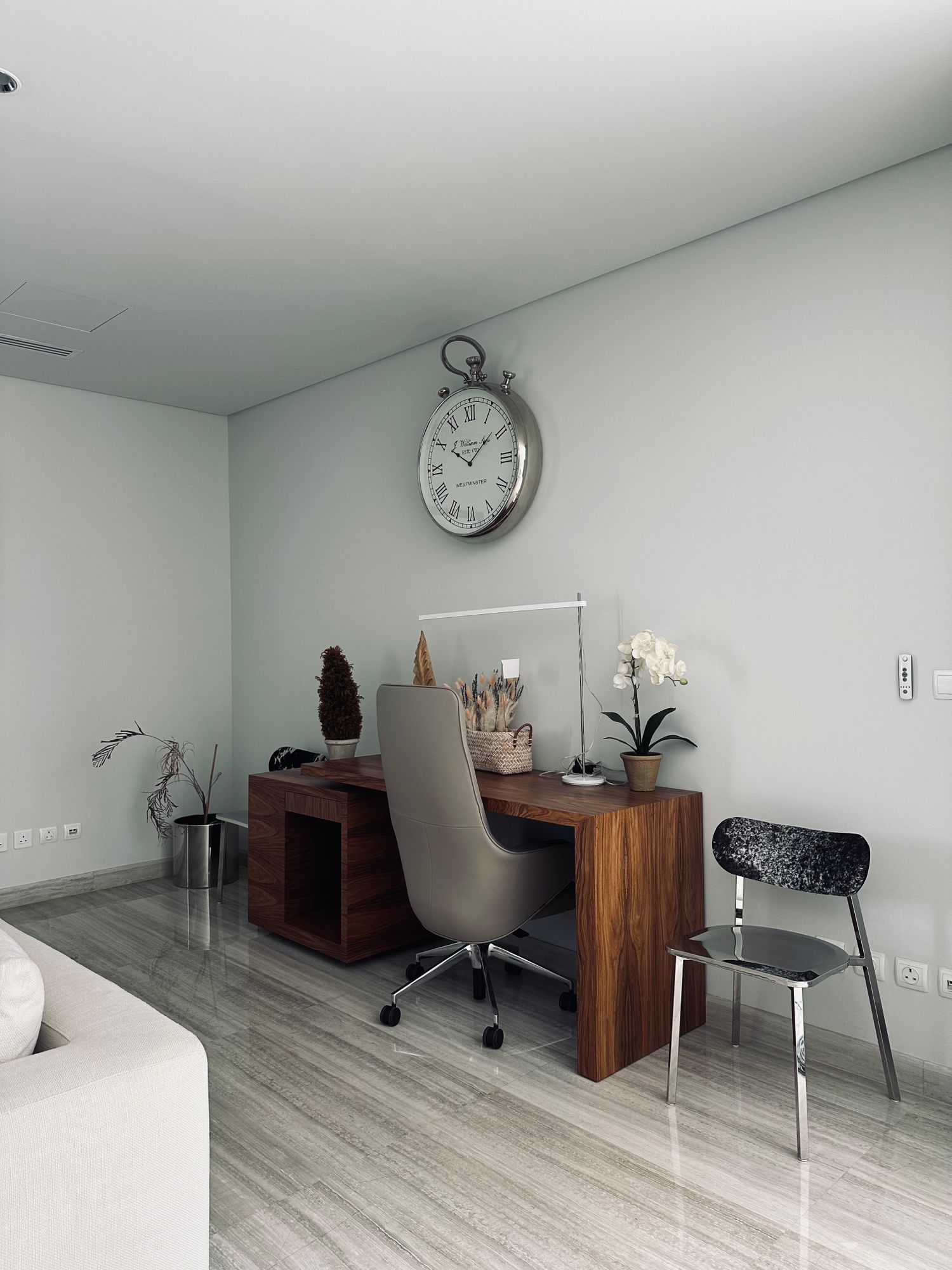
A clamp saves desktop area but needs a suitable edge and clearance underneath. Check desk thickness, rear rails and the material's suitability for clamping. A freestanding base can be moved more easily but occupies a permanent footprint. Compare both options with the cables connected, because the power lead may restrict the position that looks possible when unplugged.
Make brightness adjustment easy
If dimming is provided, try the low end as well as the maximum. Controls should be reachable without looking directly into the light. Check whether the lamp remembers a setting after being switched off and whether a touch control is easy to find in the dark. Multiple color settings are useful only if you can return to a preferred setting without cycling unnecessarily.
Read whether the light source is replaceable and what replacement specification is required. Include the shade's cleaning access and the location of the power adapter. A lamp with a clear service path can be easier to maintain than a visually slim design with no available replacement information.
Recheck after the desk is in use
Test the lamp in the evening and during daylight, with the monitor at the angle you normally use. Open a document, write a few lines and move between the tasks. If a reflection appears, adjust the light or screen arrangement before increasing brightness. The aim is a useful pool of light on the work, not the brightest possible desk.