Label makers and tape choices
A label maker is tied to its consumables. Before comparing keyboards and screen sizes, choose the labels you need to produce and confirm that the machine accepts the right tape family and width.
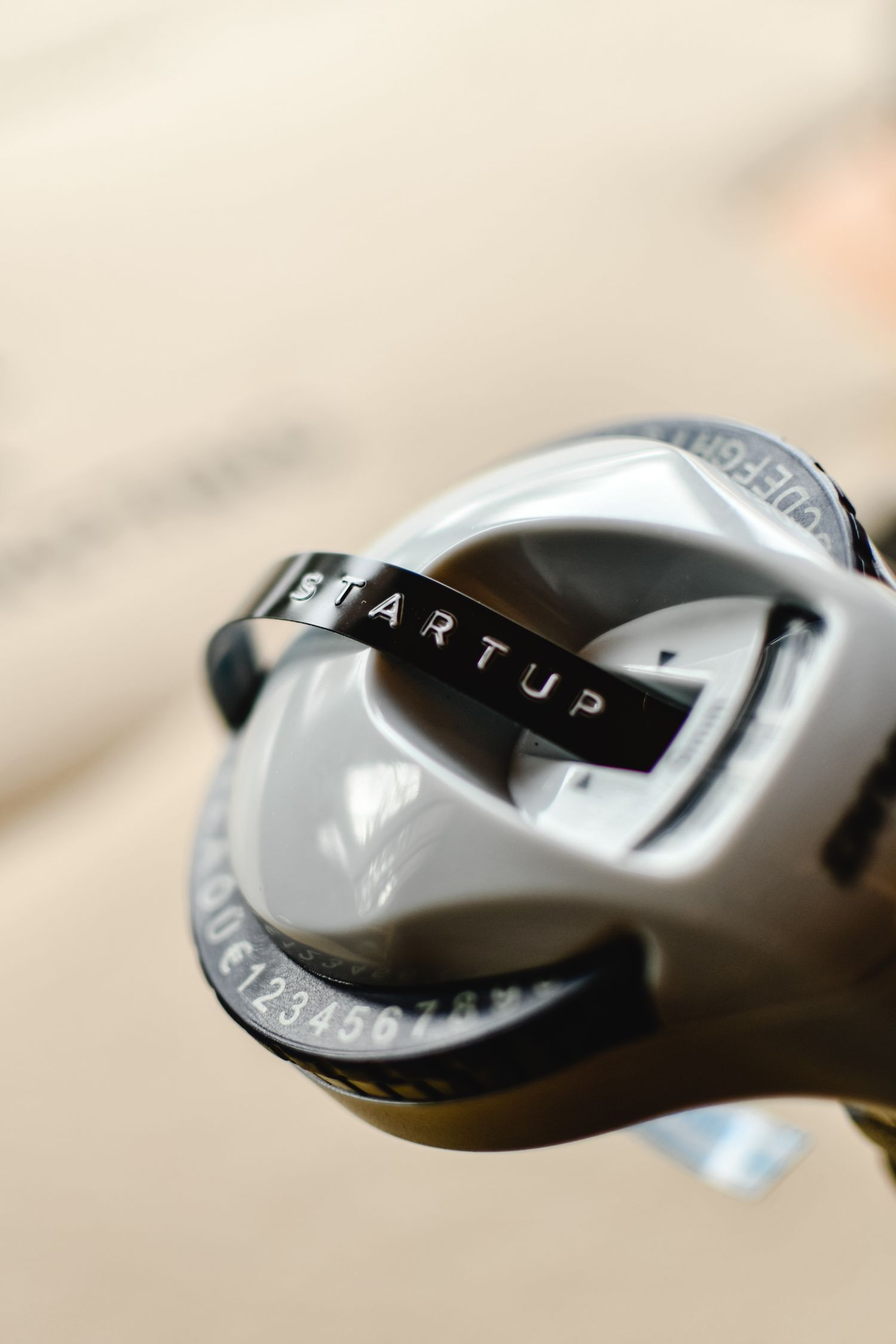
Describe the surface and the job
Make a short list of intended labels: flat storage boxes, binder spines, curved cables or frequently handled containers. These are not identical adhesive tasks. Brother's tape range, for example, distinguishes standard laminated tape from flexible identification tape designed for curved surfaces. Use the actual application to select a documented tape type rather than expecting one cartridge to suit everything.
Decide whether the label is permanent or expected to come off later. Strong adhesion is not automatically an advantage on a delicate finish or a box whose contents change. Check the tape's removal and surface guidance and try an inconspicuous area when appropriate. A label maker's brand name does not establish compatibility with every paint, plastic or coating.
Check the complete consumable system
Record the tape family, supported widths and the exact machine compatibility list. A cartridge that looks similar may belong to another system. Brother lists distinct tape families and model requirements, illustrating why the cartridge name matters. Compare the availability and price of the widths you will actually use, not just the small starter cassette included with the machine.
Look at how much blank margin the machine leaves and whether it supports a suitable continuous-label workflow. The cost of a finished label depends on more than cartridge length. A preview function can help catch a spelling error before printing, while batch printing is useful only when the household really needs repeated labels.
Choose a way to enter text
A built-in keyboard works without reaching for a phone, but small keys and menus should be tried. An app-based device may offer easier layout on a larger screen while adding software, account or operating-system requirements. Check what remains usable without an internet connection and how the manufacturer supports updates.
Type the longest ordinary label you expect to make. Inspect the preview for line breaks and readable text size. Decorative fonts are less useful when a label must be read inside a dark cupboard. For shared household storage, short plain names usually communicate more clearly than a compact code that only one person remembers.
Try application and later handling
Print a small set, apply it according to the tape instructions and handle the labeled object normally. Check corners, readability and access to the object's own controls or original safety labels. Keep the cartridge packaging or a note of its code for refills. The useful machine produces labels that fit the actual surface and remain understandable throughout the intended storage routine.