Printer sizes including paper trays
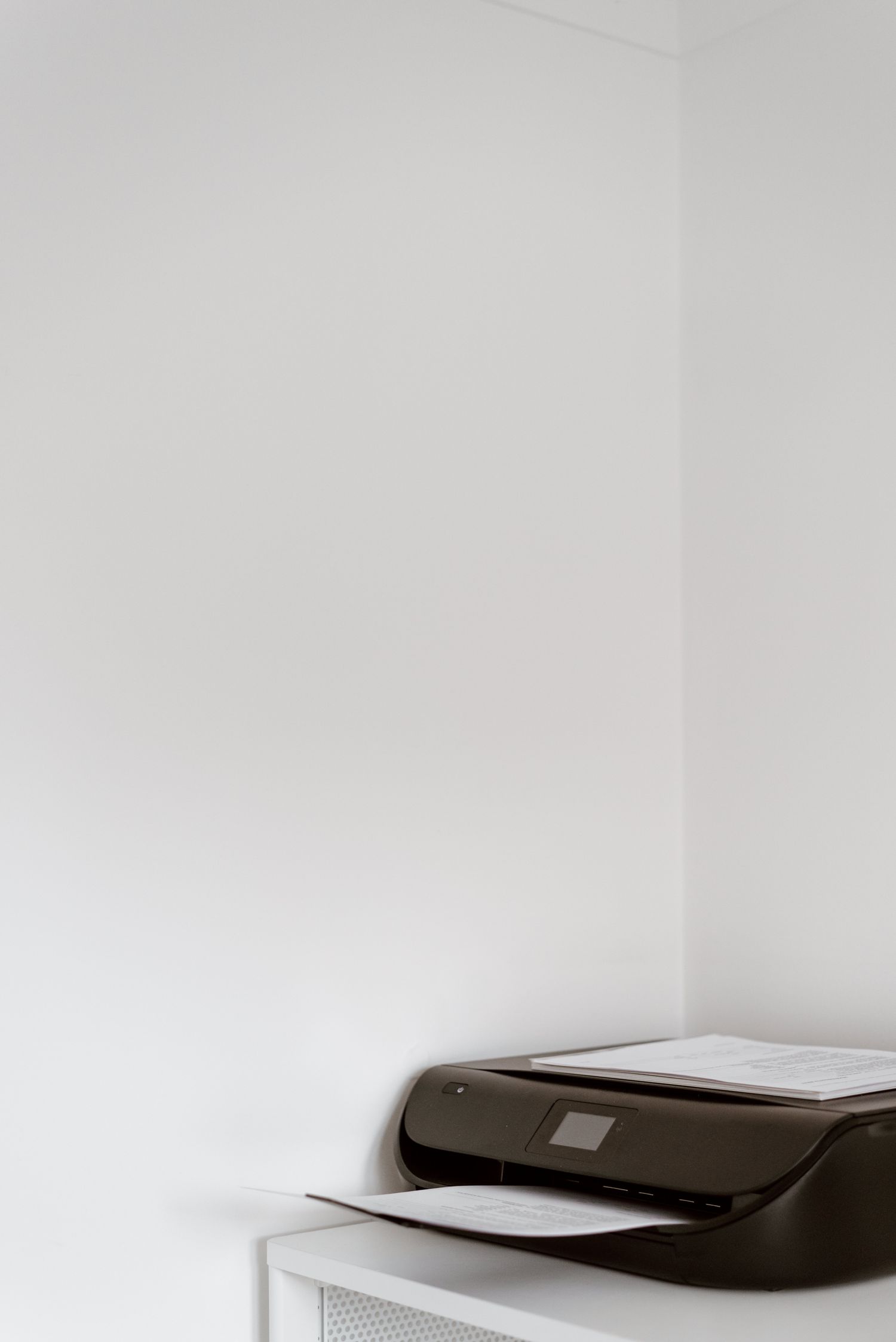
A printer can fit on a shelf when closed and become unusable as soon as its paper tray opens. Measure its operating space, not just the compact dimensions used in a product thumbnail.
Find the open dimensions
Read the manufacturer's dimensional drawing for the exact model and configuration. HP's specification pages, for example, distinguish fully closed and fully opened dimensions for some printers. That distinction can be substantial. Include optional trays only if you intend to use them, and do not substitute the size of a closely related model with a different paper arrangement.
Mark the printer's closed footprint on the shelf, then extend the outline for input and output trays. Check whether the output support projects into a walkway or prevents a cabinet door from closing. A printer placed neatly at the back of a deep shelf may still be difficult to reload without pulling the whole machine forward.
Allow access above and behind
For a multifunction model, check how far the scanner lid opens and whether a document feeder needs space above it. A low shelf over the printer can make copying a book impossible even when loose sheets feed normally. Try the most awkward document you expect to handle, not only the smallest sheet format.
Look at the rear cable connections and maintenance access. Some tasks require opening a rear panel or reaching a consumable compartment. The printer should not need a complete furniture rearrangement for ordinary servicing. Follow ventilation and installation clearances in the manual rather than treating every unused gap as storage space.
Match paper handling to your documents
Check the paper sizes, weights and feed paths you actually need. US Letter, envelopes and thicker stock may not use the same tray arrangement. A compact machine can still be suitable if occasional special media is easy to load. Conversely, a large paper capacity adds little when the tray is awkward to access in the chosen cabinet.
Count how often you switch paper types. Separate storage for blank paper can be more useful than stacking loose sheets on top of the printer. Keep paper flat and follow the manufacturer's storage guidance. A visible, reachable supply reduces the temptation to overfill a tray or push curled sheets into a feed path that is not intended for them.
Check the support beneath the machine
Compare the printer's operating weight with the shelf or furniture load rating, including paper and optional parts. Make sure the support is stable and level as required. Include a route for lifting and moving the printer according to its instructions. Once installed, test printing, reloading, scanning and ordinary access before deciding the available space is adequate. The usable size is the space required for those actions together.