Mesh nodes and useful placement
A mesh point needs a useful connection to the rest of the network as well as a convenient position near the room you want to cover. Putting it in the weakest corner is not automatically the best way to improve that corner.
Plan the link between the points
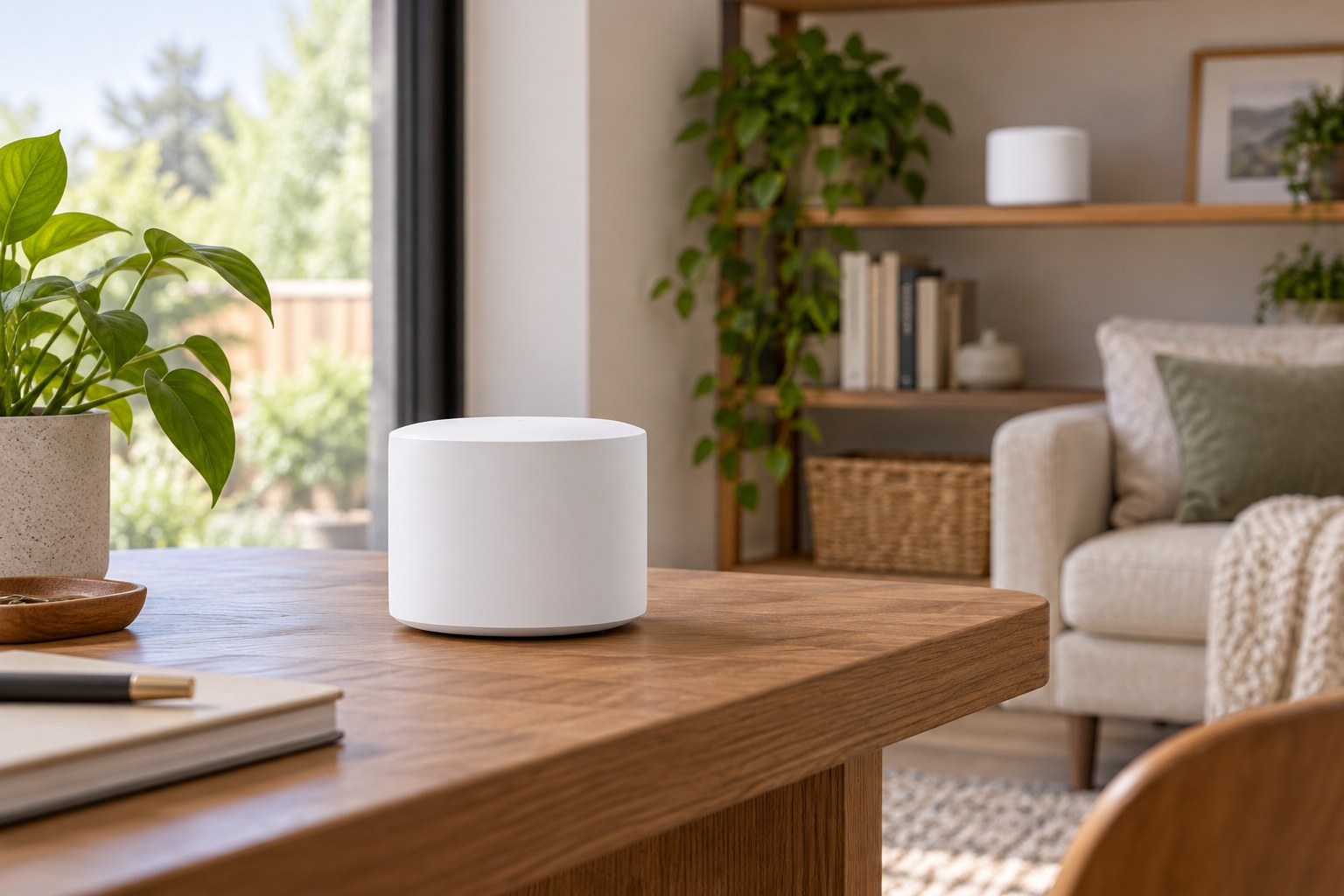
Sketch the main router, the rooms where a connection matters and the available outlets between them. For a wireless connection between mesh units, look for an intermediate position rather than starting at the farthest dead spot. The point needs to communicate with the existing network; it cannot compensate for an unusable incoming link merely by being close to a laptop.
Google's instructions for its own mesh equipment suggest spreading points toward the target area while keeping a strong connection between them, then using the system's mesh test. Treat the distances in any manufacturer's guide as guidance for that particular system, not a guarantee through every wall. Building materials and the route between rooms still need an actual trial.
Check the family before adding a unit
Read the compatibility list for the exact models you own. Sharing a brand name does not establish that two generations form one mesh. Google, for example, states that Nest Wifi Pro does not combine with its earlier Nest Wifi or Google Wifi systems in a mesh network. A secondhand unit should be identified by model, not by a similar-looking case.
Also distinguish a router, an add-on point and a device that supports either role. Check whether an account, app or existing main unit is required for setup. If considering wired connections between units, confirm that the specific models have the required ports and support the proposed arrangement. Do not assume every mesh point includes an Ethernet socket.
Test where life actually happens
Set up the smallest suitable arrangement first and run the manufacturer's connection check. Then try the desk, television or reading chair that prompted the purchase. Keep doors and furniture in their normal positions. Move a point a modest distance and repeat the comparison before deciding another unit is needed.
The nearest outlet can still be a poor permanent location if it leaves the unit behind a cabinet or in a crowded passage. Include the power adapter and cable in the plan. A shelf is useful only when the device can stand as intended, remain ventilated and avoid being knocked down during normal use of the room.
Keep the arrangement understandable
Give each unit a room-based name in the management app and keep a simple note of its position. After a furniture move, repeat the mesh check rather than assuming the old result still applies. More units add cost and placement decisions; buy another only when testing shows a remaining coverage problem that an additional supported point can reasonably address.