Multiport chargers and shared power
The largest number on a multiport charger usually describes a limit under particular conditions. The more useful question is what each connected device can receive when your usual combination of ports is occupied.
Draw your evening charging setup
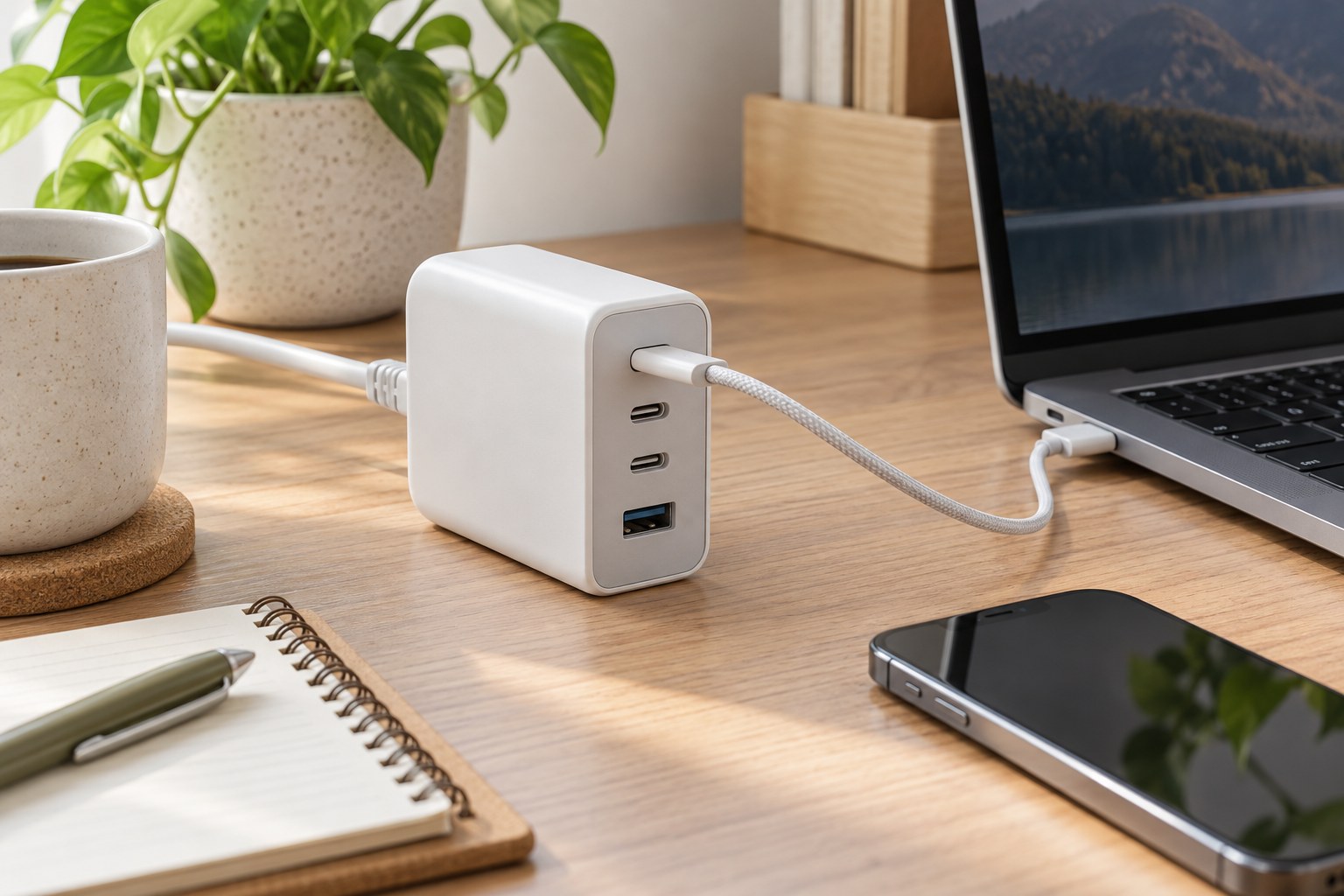
List the devices you expect to connect at the same time and note their recommended charging requirements. A laptop used during a video call may have a different practical need from a phone left charging overnight. Separate essential connections from occasional ones before deciding how many ports the charger should provide.
Look at where the charger will sit. A wall outlet behind a cabinet may not leave room for a bulky body and several stiff cable plugs. A desktop model with an input cord can move the connections into reach, but then its own footprint and cord route become part of the decision.
Find the power-sharing table
Ask for the manufacturer's port-combination chart, not just the maximum output headline. One documented Anker four-port model, for example, lists 140 W on a suitable single port but 65 W, 45 W, 12 W and 12 W when all four are occupied. Those figures describe that model's arrangement; they are not a rule for other chargers.
Read the row matching your actual setup. Two USB-C sockets that look identical may have different roles, and adding a small accessory can change the allocation available elsewhere. If the listing omits simultaneous-use information, the missing chart matters more than another photograph of the charger.
Do not assume unused capacity moves between ports in the way you expect. Some products use fixed combinations; others have more dynamic behavior. Also check whether connecting or disconnecting a device briefly interrupts existing connections. This can matter if a connected accessory is sensitive to a power interruption.
Treat cables as part of the setup
Confirm that each cable is suitable for its device and the intended charging arrangement. Label the laptop cable and its preferred socket if other household members will use the charger. A clear everyday routine avoids repeatedly moving the laptop onto a lower-output connection while leaving its intended port unused.
Consider cable length from the charger's final location rather than from the wall outlet alone. Keep plugs accessible enough to remove without pulling on the cable. Avoid covering the charger with papers or putting it into a closed organizer unless its instructions explicitly allow that placement.
Check the combination you will actually use
During the return period, connect the full usual group and confirm each device reports the expected charging state. Then repeat with the laptop doing its normal work. This checks whether the arrangement suits your routine; it is not a laboratory measurement of output or proof of a safety certification.
Keep the manufacturer's instructions and allocation diagram with your purchase record. If the setup only works when devices are connected in an inconvenient sequence, a separate charger for the most demanding device may be simpler than a larger shared unit.