Wireless charging pads and alignment
A wireless charging pad works best when putting the phone down reliably places it in the intended charging position. The shape of the pad, the phone case and the surface beneath it all affect that small daily action.
Check the phone before choosing the pad
Find the charging support listed for your exact phone model, then compare it with the pad's compatibility information. Similar-looking phones within a range may not share every feature. Check whether the required wall adapter is included and whether the advertised performance assumes a particular adapter rather than the one already beside your bed.
Decide whether the phone should lie flat or remain upright. A stand can keep a clock or incoming call visible, while a flat pad may fit beneath a low shelf. Consider the phone's normal orientation and the camera bump, which can affect how steadily it rests on a particular surface.
Make alignment repeatable
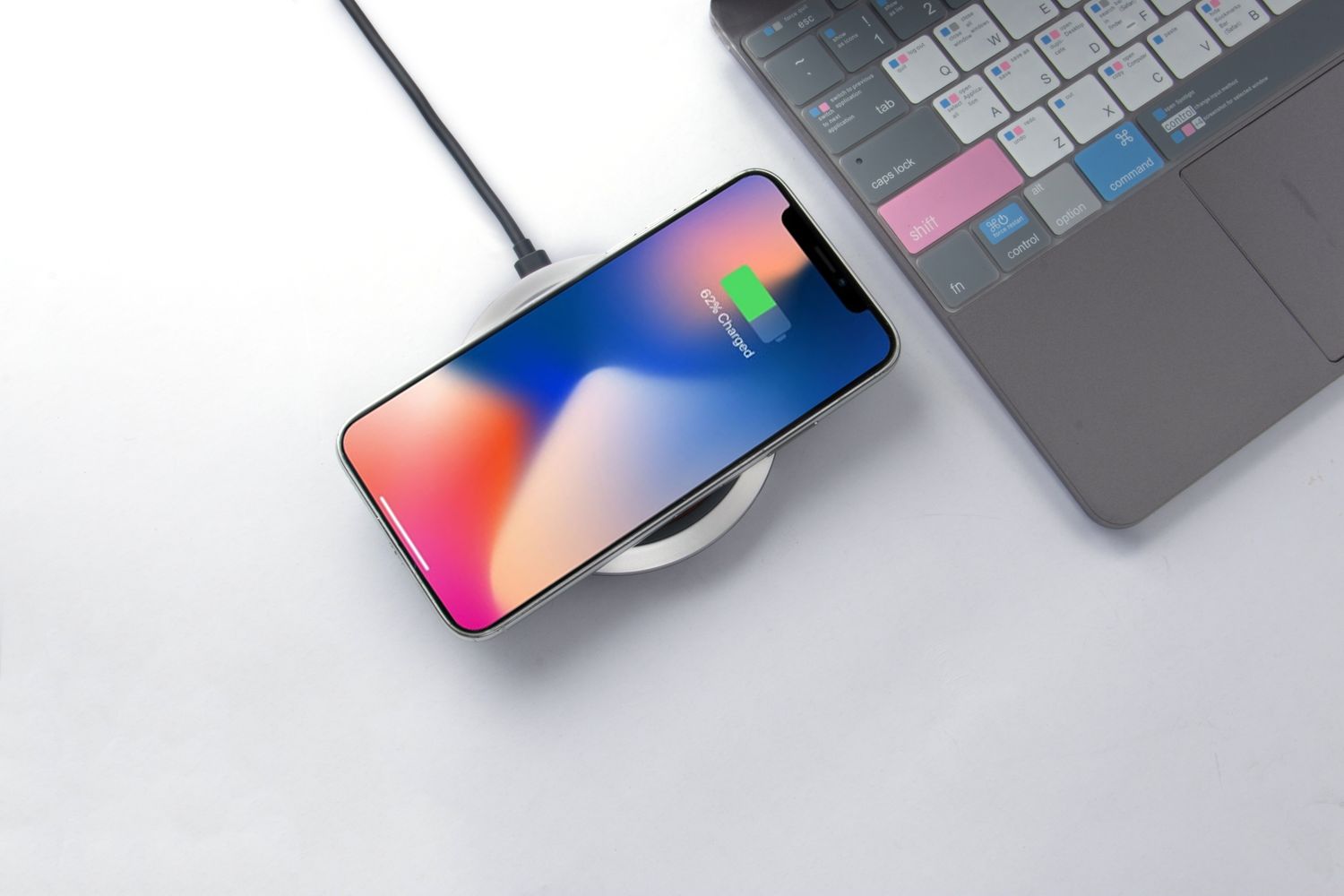
Apple's guidance for compatible iPhones recommends a level surface and placing the phone centrally or in the position specified by the charger. It also notes that vibration can move a phone out of position. A clear placement cue and a stable base are therefore worth examining before choosing solely by appearance.
Try the pad in the location where you will actually use it. Can you feel its edge without looking, or does the phone slide past the intended spot? If several people share it, check each phone separately. A position that works for one device is not proof that a differently sized device will sit correctly.
Include the case in the comparison
Check compatibility with the case you intend to keep on the phone. Apple notes that thick, metal or battery cases can interfere with charging and advises against placing cards or other objects between the device and charger. Treat a wallet attachment as something to check explicitly, not an invisible addition to the phone's thickness.
Examine any raised lip, grip or ring on the back of the case. The relevant issue is the complete arrangement resting on the pad, not the case material in isolation. Avoid making improvised spacers or stacking extra accessories to correct an unstable fit; a different pad or a cable may suit the setup better.
Look for confirmation without glare
Check how charging is confirmed on the phone and what the pad's lights communicate. A small indicator can be useful on a desk but distracting in a dark bedroom. Read whether it stays illuminated, changes color or can be dimmed, and do not confuse a powered pad with confirmation that the phone is charging.
Keep the surrounding area clear enough to place the phone deliberately. Check the charging indication after setting it down, especially when using a new case. Wireless convenience depends on a repeatable placement habit; if that habit remains awkward in the chosen location, an accessible charging cable may be the more dependable arrangement for your routine.