Router placement before buying upgrades
A new router is not always the first useful purchase when one room has unreliable Wi-Fi. Mapping the existing connection and trying a better position can separate a coverage problem from an issue elsewhere in the connection.
Find out where the problem begins
Use the same device and the same ordinary task in two places: near the router and in the troublesome room. Note whether the issue affects every device or only one. Repeat the comparison when the household is using the network normally. A single speed-test result during an unusually quiet moment does not describe all of the conditions you care about.
Write down the symptom precisely. A call disconnecting, a slow download and a device failing to join the network are different observations. Check the provider's service status and the router's own status information before buying equipment. If performance is poor beside the router as well, moving it may not address the underlying issue.
Give the existing router a clearer position
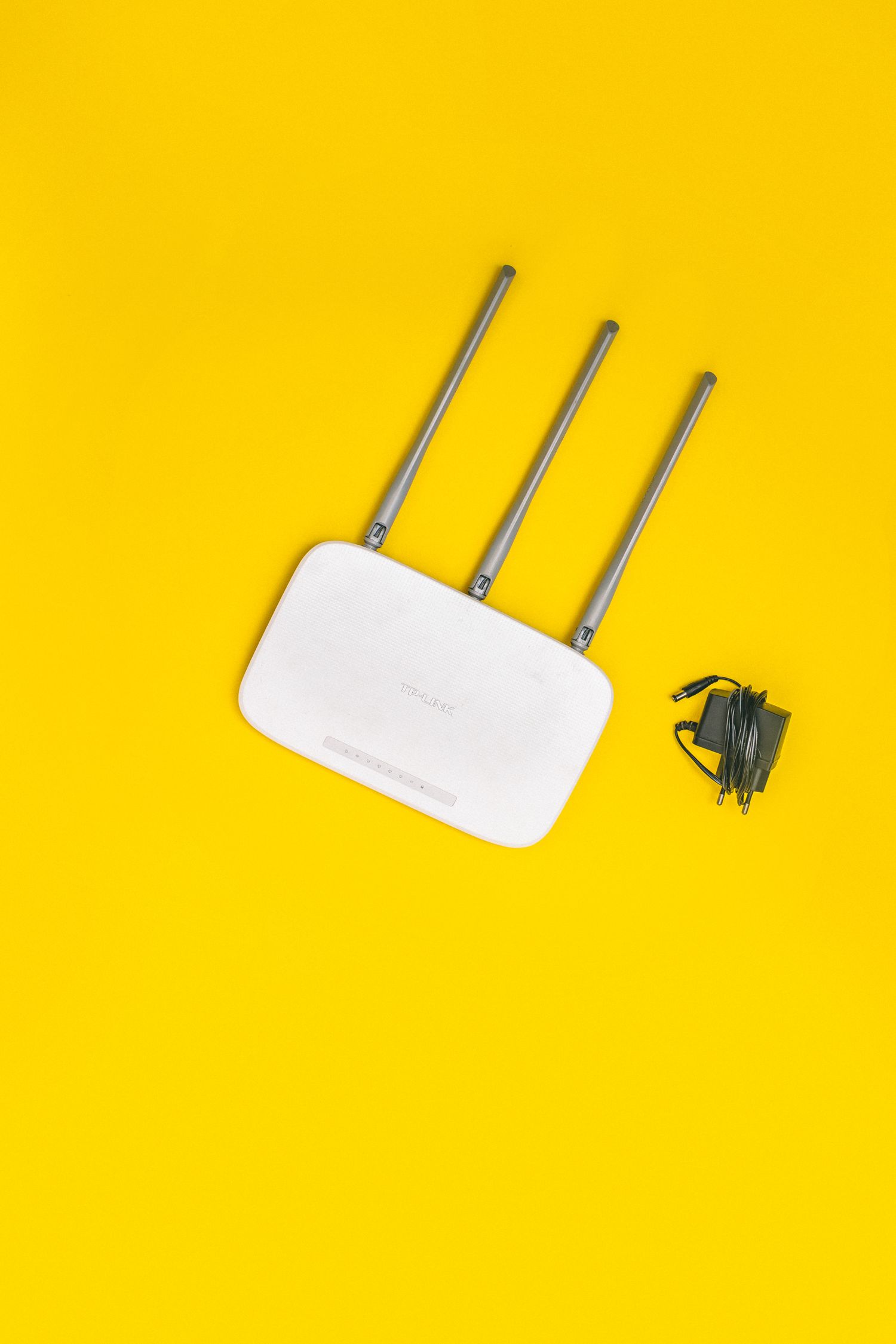
Google's placement guidance for its Wi-Fi equipment recommends an open, raised location and explains that building layout and obstructions affect results. These are useful starting questions for your own manufacturer's instructions. A router hidden on the floor behind a metal cabinet is worth reconsidering before adding more equipment.
Check the lengths of the incoming connection and power lead before moving anything. Keep ventilation openings clear and use a stable surface. Do not stretch a cable across a doorway just to gain a more central position. Try a few realistic locations rather than choosing a spot that only works while the room is temporarily rearranged.
Change one thing and repeat the comparison
Keep a short record of the original location, the new location and the result at the problem desk or sofa. Use the same device for each comparison. If doors are normally closed during work, test with them closed. A location that looks central on a floor plan can still have an awkward path through the actual building.
Separate placement changes from software or configuration changes. Follow the router manufacturer's update instructions, but do not adjust several unfamiliar settings while also moving the device. If the connection gets worse, a written record makes it easier to restore the previous arrangement and understand which change was responsible.
Buy for the remaining problem
Only after these checks should an upgrade have a specific job: improving coverage in a distant room, adding supported wired connections or replacing unsupported hardware. A mesh system may require suitable intermediate positions, while a cable may serve a fixed desk more directly. Keep the measurements and observations with your shopping notes so that the purchase solves an identified limitation rather than an assumed one.