Screen protectors and case clearance
A screen protector and a phone case share the same narrow space around the display. Choosing them separately can produce a lifted edge even when each product is listed for the correct phone.
Compare the complete combination
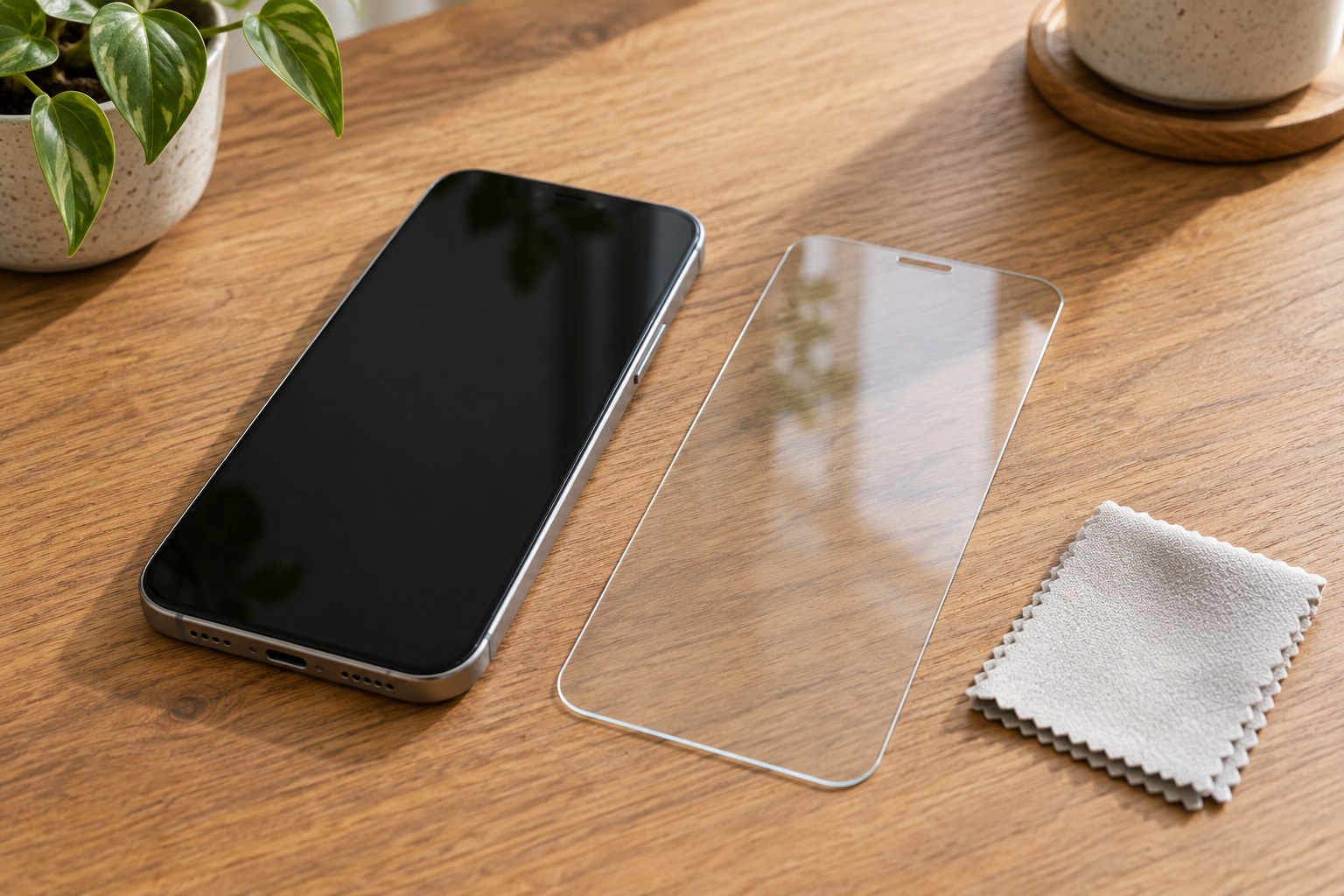
Start with the exact phone model and the case you intend to use. Read both manufacturers' compatibility notes, particularly where a case has a raised rim that extends inward toward the glass. A protector described as edge-to-edge may cover a different area from one designed to leave clearance for a case.
Look for a dimensioned outline or a clear illustration of the protector's boundary. The camera opening and speaker area should match your phone, and the surrounding case should not press on the protector. A retailer's generic photograph is not enough to establish this fit. Ask about the particular combination if the relevant clearance is not described.
Consider any fingerprint reader built into the display. Check the phone and protector manufacturers' instructions for compatible materials, fitting and any required setup afterward. Do not assume that a claim about touch sensitivity also confirms fingerprint-reader compatibility; these are separate functions that need to remain usable.
Decide what you can install reliably
Compare the supplied fitting method before deciding on a multipack. A model-specific alignment tray may simplify placement, whereas a loose sheet requires you to position it accurately yourself. Check which cleaning and dust-removal items are included, and prepare a clean, well-lit work surface rather than attempting installation while traveling.
Follow the product's sequence and the phone maker's cleaning instructions. Do not substitute solvents or press aggressively around openings to force an imperfect fit. If the package includes instructions for a particular adhesive or curing process, establish that you can follow them before removing any protective liners.
A spare protector is useful only if it is the correct item and can be stored flat without damage. Keep its identifying label and installation instructions together. Buying several copies of an uncertain fit merely repeats the same compatibility problem when the first one needs replacement.
Check the edges after fitting the case
After the protector has been installed as directed, refit the case and inspect the full perimeter. Look for newly raised corners, pressure from the rim or a boundary that catches during a normal swipe. Check touch operation, cameras and relevant sensors using ordinary device functions; a clear-looking surface alone does not confirm a successful installation.
If an edge lifts only when the case is fitted, stop pressing it down repeatedly and revisit compatibility. Cutting or grinding a fitted protector is not an appropriate way to create clearance. Replace a damaged protector according to its instructions, especially if it has sharp or loose edges. Protection claims vary, so continue handling the phone with care rather than treating the added layer as a guarantee against damage.