Smart plugs and appliance ratings
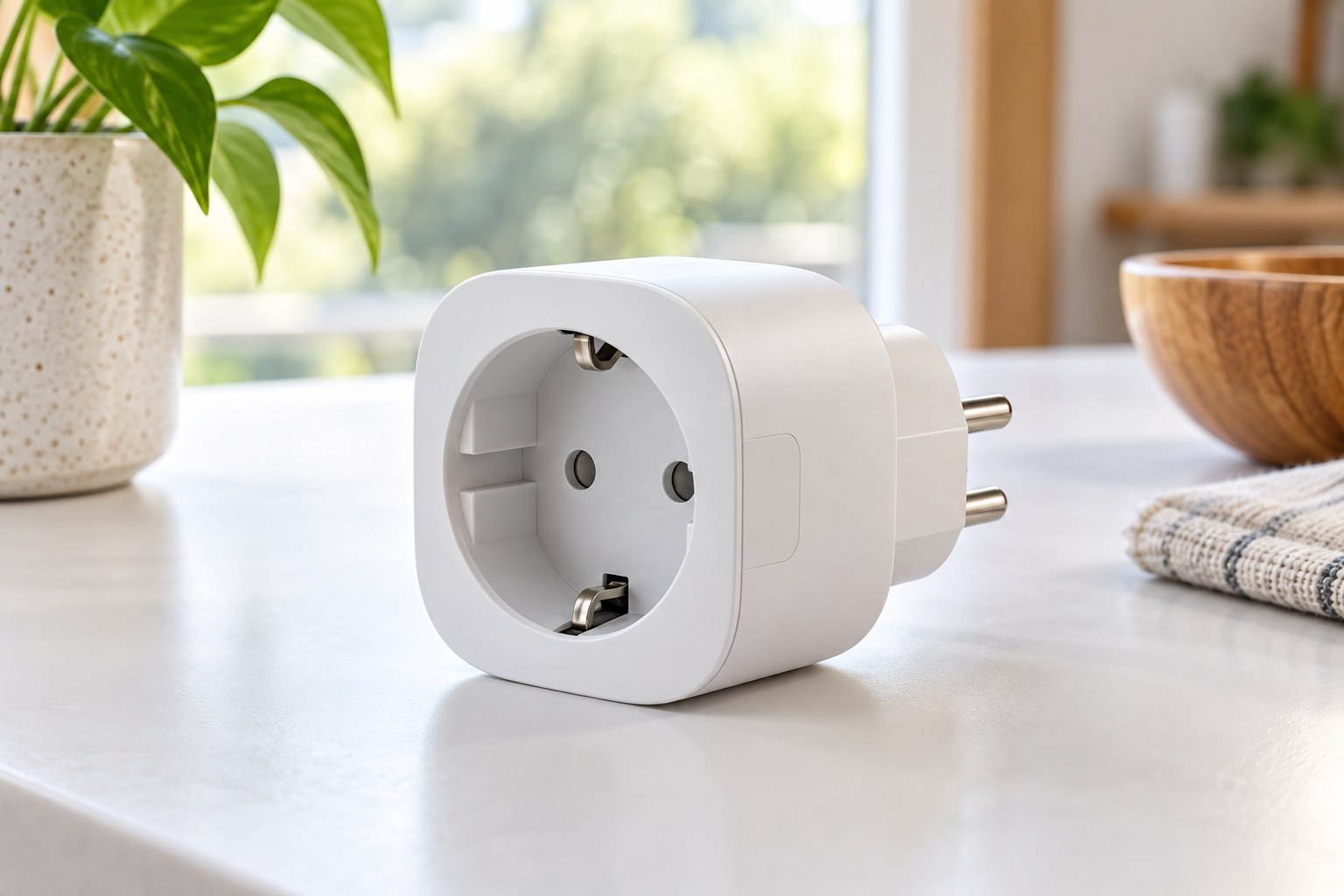
A smart plug is a switching device with electrical limits, not a universal permission to automate every appliance. Start with one named appliance and its instructions, then check the plug's exact regional model and supported load types.
Match more than a headline wattage
Read the appliance label and manual, then find the smart plug's detailed specifications and installation guide. Compare voltage, current and the relevant load category. A maximum rating for one type of load does not establish suitability for every appliance below the same wattage. Motor-driven equipment can have requirements that a simple running-power comparison misses.
TP-Link's guidance for Tapo and Kasa plugs distinguishes load types and directs users to the specific model's documentation. Its examples show why a single large number in a product listing is insufficient. Use the version sold for the United States and the intended outlet; do not transfer ratings from a similarly named European or UK model.
Ask what happens after power returns
Some appliances resume operation when power is restored, while others remain off until their own button is pressed. Check the appliance instructions rather than discovering its behavior through an unattended automation. A smart plug can switch the supply, but it cannot necessarily operate the appliance's electronic controls in the way you expect.
The appliance must also be suitable for the proposed unattended or scheduled operation. Do not use remote switching to bypass a manufacturer's restrictions or a safety procedure. For a simple household trial, a compatible lamp is easier to understand than equipment with heat, moving parts or a process that must complete without interruption.
Make failure behavior part of the purchase
Read what the plug does after a power outage, loss of Wi-Fi or an unavailable cloud service. Does it retain the previous state, default to off or provide a configurable choice? Check whether schedules continue locally and whether manual switching remains possible. These answers should come from documentation for the model and software, not a general smart-home promise.
Consider who else needs to operate the appliance. A physical button should remain reachable, and the original control should not become confusing. Give the plug a descriptive name in the app. A name tied to the room and appliance is clearer than 'Plug 3' when several people use voice commands or shared controls.
Check the physical outlet arrangement
Measure the plug body and the space around the receptacle. It should not obstruct a neighboring connection you still need or force cables against furniture. Follow the manufacturer's instructions on direct wall connection and other accessories. Do not stack adapters merely to make a bulky smart plug fit behind a cabinet.
Keep the connection accessible for disconnection and inspection. Use an indoor model only in the environments its documentation allows. App setup should not distract from the ordinary electrical checks: an undamaged outlet, compatible plug and a lead that is not trapped or strained. If the existing installation is questionable, resolve that separately before adding automation.
Add only the data features you need
Energy monitoring, voice services and remote access can involve extra accounts or data handling. Read the support period, update method and privacy controls before enabling optional integrations. If your goal is simply to turn a lamp off at bedtime, a complicated chain of services may add little value. Keep the setup small enough that its behavior is understandable when the phone is unavailable.