Tablet cases with a stable stand
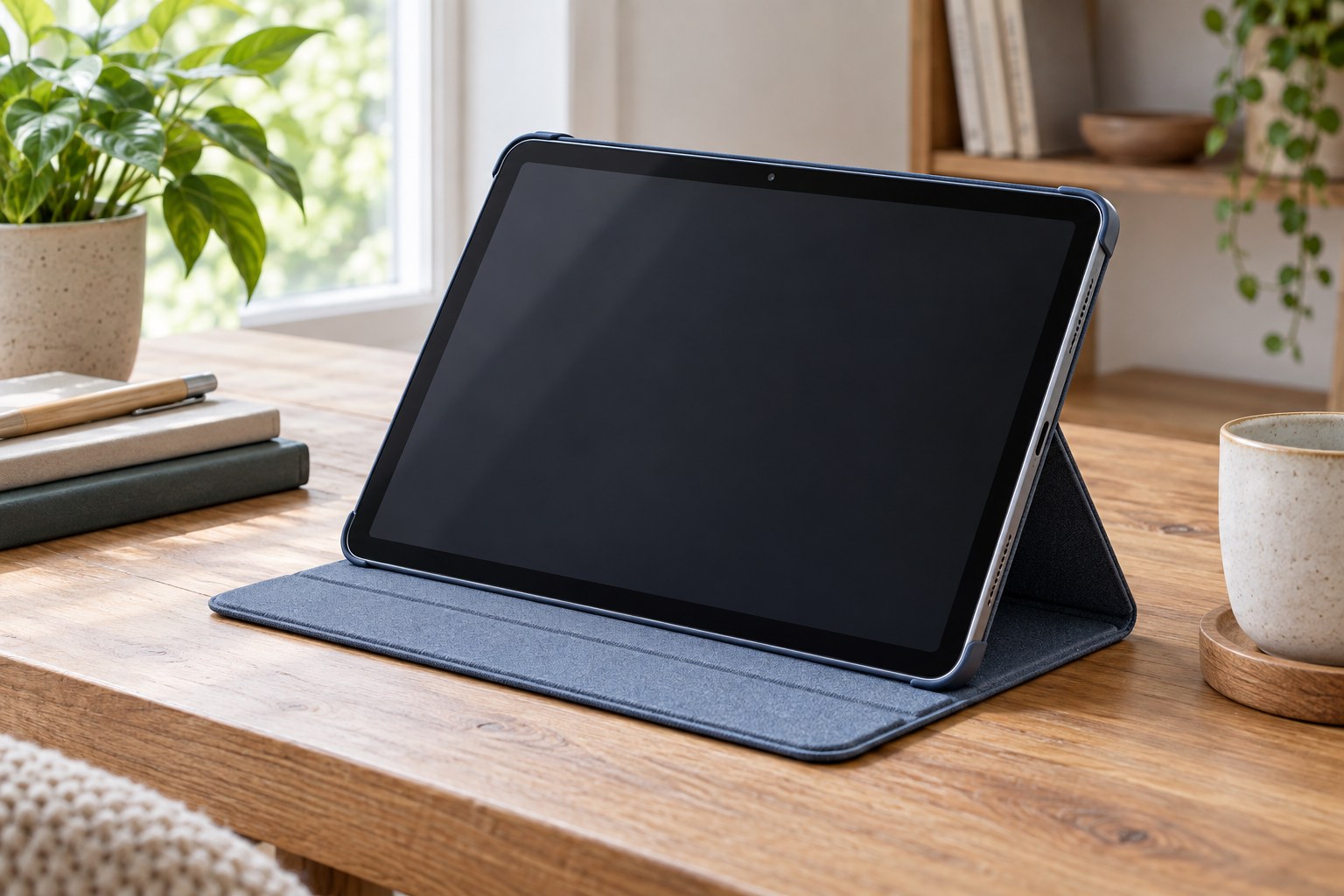
A tablet case that folds into a stand is both a fitted cover and a small support structure. A good match begins with the exact tablet model and continues with the surface on which you expect to use it.
Identify the tablet precisely
Find the model identifier in the device settings or the manufacturer's documentation. Screen size alone is not enough to establish a fit: generations can differ in camera layout, buttons or body dimensions. Compare the identifier with the case maker's compatibility list before choosing a color or closure style.
Look at cutouts for microphones, speakers and charging connections. If you use a stylus, check whether its storage position also allows whatever charging method your tablet requires. A loop that holds a pen securely does not necessarily support charging it, and a case described as universal may involve compromises around these details.
Choose positions for actual tasks
A steep screen angle can suit watching a video across a table, while writing or drawing may need a lower position. List the activities you expect the stand to support rather than counting folds as features. Check whether the advertised positions work in portrait, landscape or only one orientation.
Consider where your hands will rest. A support that is adequate for watching may move when the screen is tapped or written on. Examine how the folded cover engages with the tablet and whether its contact points are clearly defined. Product photographs should show the complete supported arrangement, not just the screen from the front.
Use the intended surface as the test
Try the case on your desk with the tablet fitted and any usual cable connected. Lightly operate the screen in the way you normally would and watch for sliding or collapsing folds. Do not use a soft sofa cushion as proof that a stand designed for a firm surface is defective; first establish what the manufacturer actually describes.
Measure the depth needed behind and in front of the tablet. A low angle can consume more table space than expected, particularly on a tray or a narrow shelf. The case should also leave room to reach the device without knocking a cup or dragging the charging cable across other objects.
Think about carrying and wear
Check the closed thickness against the bag compartment you use. A substantial protective case may be useful for transport but can change how comfortable the tablet feels when held in one hand. Examine the closure so that loose accessories do not sit between the cover and screen when the case is shut.
Follow the care instructions for the particular outer material and inspect folding areas as they wear. Avoid continuing to rely on a stand position whose support has become unreliable. Keeping the case clean and using its designed folds is more sensible than forcing a new angle that the cover was not intended to maintain.