TV remotes with readable buttons
A remote control is useful only when the required buttons are easy to find and the television responds as expected. Large lettering helps, but compatibility and the arrangement of everyday actions matter just as much.
List the actions that matter
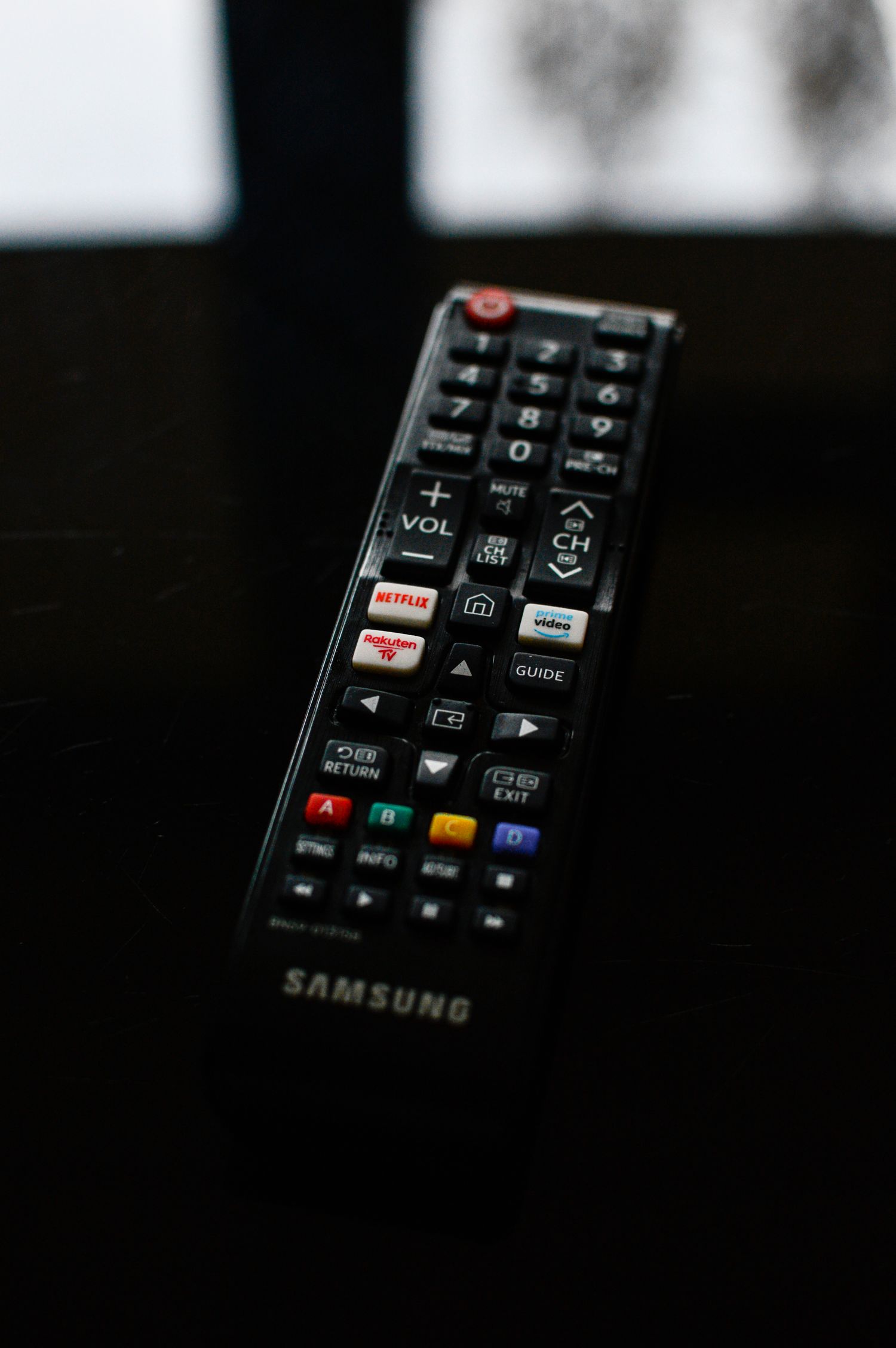
Write down a normal viewing session: turn the television on, choose an input, change volume, open a service and return to the previous screen. Mark which actions belong to the television and which belong to a separate receiver or streaming box. A simplified remote may cover volume and channels while leaving an essential input selection unavailable.
Compare the buttons at their actual printed size. Strong contrast, spacing and recognizable shapes can be easier to use than a very large keypad with similar-looking buttons. Check whether commonly used controls sit under the thumb without stretching. Backlighting may help in a dim room, but its activation method and duration should be understandable rather than another setting to remember.
Compatibility means the exact functions
Use the television's complete model number when checking a replacement remote. The same brand can use different control methods across devices. An infrared replacement generally needs the appropriate receiving path, while a wireless remote may require a pairing procedure. Follow the device documentation instead of assuming that a remote advertised as universal handles every function.
If a remote supports learning from an existing handset, establish whether the old one must still work to complete setup. Check the instructions for restoring settings after changing batteries. For a shared household, keep a short note of any setup code with the television manual rather than on a loose slip that disappears into a drawer.
Voice control, shortcut keys and menu navigation should be checked separately. A remote might successfully switch the television on without supporting its microphone or the full app menu. Decide which missing functions are acceptable before buying. The few controls that remain essential should not require a second handset hidden somewhere in the room.
Try it from the ordinary seat
Test the remote from the sofa or chair where it will be used, with the television in its normal position. Try pressing neighboring buttons without looking down every time. Check whether the case slides off the armrest and whether the battery compartment is manageable. Avoid using a bright showroom alone to judge tiny printed labels.
Choose a predictable resting place and keep the most important commands consistent for everyone who uses the room. A simple basket or side-table tray is often enough. The right replacement reduces the number of uncertain button presses; it should not add a complicated setup routine merely to achieve a cleaner appearance.